The Windows 10 Bill Doubles This October
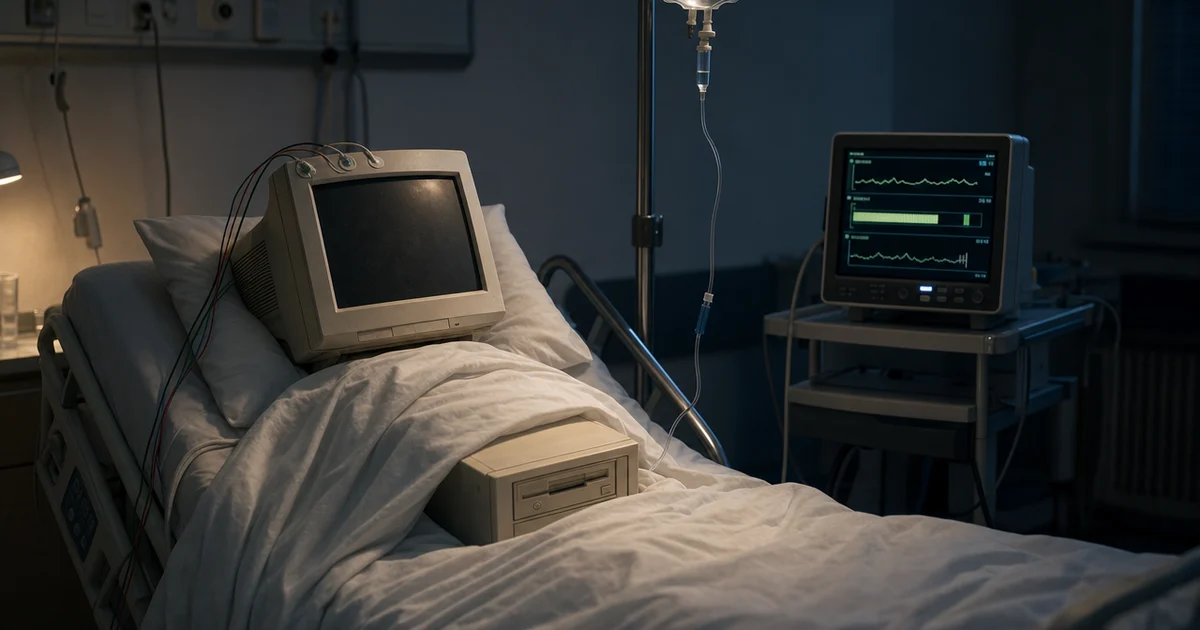
Last October, the computer in the corner of your office stopped getting security updates. Nothing happened. It still turns on. It still runs the accounting software, and it still prints.
That is the problem with this particular deadline. It does not announce itself. A year later the machine looks fine, nobody has complained, and the decision you made — which was mostly the decision not to decide — appears to have worked out.
This October, that same decision gets a price tag attached. It is not last year's price.
What actually expired, and what did not
Microsoft stopped supporting Windows 10 on 14 October 2025. Stopped supporting means no more security updates, no more bug fixes, and nobody to call.
They also sold an extension. For businesses it runs through volume licensing and cost $61 per device for the first year. It buys security updates and nothing else. No technical support comes with it.
Three things about that extension matter before you make this year's decision.
The price doubles each year. Microsoft states this plainly: the cost doubles every consecutive year, for a maximum of three years. So year two is roughly $122 a machine and year three is roughly $244. Three years of that is over $400 per computer, and at the end of it you still have the same old computer.
The back years are not optional. If you skipped the first year and want to buy in now, you pay for the first year as well. Microsoft calls the program cumulative. In practice that means waiting does not save you the money. It only moves it.
The cheap version you read about does not apply to you. There was a lot of coverage last year about a low-cost extension for home users. Microsoft excludes business-managed computers from it. Anything joined to your company login system, or managed centrally, is out. If your office is set up the way most offices are set up, that option was never on the table.
Where this actually bites
Most companies we look at do not have a Windows 10 problem across the board. They have four to fifteen machines that never moved, and the reasons are nearly always the same handful.
The machine is attached to something. A controller on a press, a label printer on the packaging line, a scale, a test rig, a plotter. The computer is old because the equipment is old, and the equipment is fine.
The software will not move. An estimating package, a design tool, a piece of accounting software from a vendor who stopped shipping updates years ago.
Nobody owns it. It sits at a desk three people share, or on a bench in the back, and it has never been anyone's job.
It failed the check once and got shelved. Somebody ran the upgrade compatibility check, got a red X, and the conversation ended there.
Every one of those is a legitimate reason the machine did not move. None of them is a reason to leave it unpatched and unbudgeted for another year.
The part that costs more than the license
An unsupported computer is rarely alone. It sits on the same network as your file server, your accounting system, and the folder where quotes live. Whatever reaches that machine can usually reach the rest.
There is an insurance dimension too. Carriers now ask directly which operating systems are running in your business, and an honest answer that includes unsupported machines changes the conversation. We went through what the renewal questionnaire actually asks earlier this month. That question is on nearly every one of them now.
Your customers are starting to ask as well. The security questionnaires that large manufacturers send down to their suppliers carry the same line item.
What good looks like
A business in decent shape here has done something unglamorous. It has counted.
There is a list. Every computer, what it runs, what it is attached to, and who uses it. Not an estimate. An actual list.
Each old machine has a decision written beside it. Upgrade, replace, extend, or take off the main network. Four options, one chosen, with a date.
The extensions are deliberate and few. The machines still on the paid extension are there because something genuinely cannot move yet, not because nobody got to them.
The spend sits in a budget instead of a surprise. Replacing eight computers is an ordinary capital decision when you see it in September. It is a bad week when you find out in March.
What to do this month
Count them. Walk the building. Every machine that is not obviously new, write down what it is and what it does. An afternoon, at most a day.
Split the list into two piles. Machines whose hardware can take the newer version, and machines whose hardware cannot. Where the hardware qualifies, the upgrade itself is free, and a surprising number of computers bought from 2019 onward qualify.
For the second pile, ask what the machine is really for. A computer that runs one program attached to one piece of equipment often does not need to be a modern computer at all. Sometimes the right answer is to take it off the main network and spend nothing.
Price the honest version. Extension cost for the machines that must stay, replacement cost for the rest, spread across quarters you can absorb. A rough number beats no number.
Decide before the deadline rather than after it. Because the program is cumulative, a deferred decision gets more expensive. It does not go away.
If you do not know how many you have
Most owners guess low. The real count usually comes in higher, and the surprises are in the corners. The machine in shipping. The one in the conference room. The one the estimator kept because it runs an old version of something nobody wants to touch.
That count is the first thing we produce in a free IT assessment. You get the list, the two piles, and a realistic number attached to each path. It takes about two weeks and under four hours of your time.
What you do with it is entirely your call. Hand it to us, to your current provider, or to whoever handles your technology planning. The point is to make this October's decision with a list in front of you instead of a guess.