Your Next Batch of Computers Will Cost More
The controller at a 60-person distribution company sits down in late October to build next year's budget. Last year she set aside money to replace a dozen laptops, the same models the company has bought for years. She asks for a fresh quote to confirm the number.
The quote comes back noticeably higher. Two of the models are gone, replaced by pricier versions. The rep says the new prices are only good for a couple of weeks.
Nobody did anything wrong here. The market moved, and most small businesses will find out the same way: one quote at a time, right when the budget is due.
Why computers suddenly cost more
Every computer has memory chips inside it. This year, the companies that build AI data centers have been buying those chips in enormous quantities. Chipmakers followed the money, and there are fewer chips left over for ordinary laptops and desktops.
The effect has been large. Gartner, the research firm that tracks the computer market, said in October that memory costs in the second quarter were five times what they were a year earlier. Computer makers passed that on. Gartner reported that worldwide computer shipments fell more than 22% in the third quarter, because buyers balked at the new prices.
Two other details from Gartner matter more to a small business than the headline numbers.
First, the cheap models are disappearing. When parts get expensive, the low-margin, low-price computers are the first to go. Gartner expects computers under $500 to vanish as a category by 2028.
Second, this is not a short blip. Gartner's research describes the squeeze running through 2027. Waiting a few months for prices to drop is not a plan.
What actually goes wrong
The price increase itself is manageable. The trouble comes from how companies react to it.
Panic buying. A company hears prices are rising and orders thirty computers at once. Half of them replace machines that had two good years left. The budget is gone, and the next real failure has nothing to cover it.
Freezing everything. The opposite mistake. The company decides to stop buying computers until prices come down. Two years later, a third of the staff are working on slow, failing machines, and several of them break in the same busy month.
Buying down to hit the old price. To keep the line item flat, someone picks a cheaper model with less memory. It feels fine on day one. By year two, it struggles with the estimating software, the shop-floor screens, or a browser with twenty tabs open. Now you are replacing it early, at an even higher price.
Stretching machines that should not be stretched. Keeping a computer longer is sensible. Keeping one that can no longer get security updates is not. If you still have machines on Windows 10, the math there is its own problem, which we covered in the Windows 10 extension cost.
Quotes that expire before anyone signs. Many vendors are now putting short expiration dates on quotes. If approval takes three weeks, the number you approved is no longer the number you pay.
What good looks like
The companies handling this well are not spending more cleverly. They are spending on purpose.
They know what they have. A simple list of every computer, who uses it, how old it is, and whether it is still healthy. Without that list, every decision is a guess.
They replace by need, not by calendar. A five-year-old laptop that only runs email and the time clock may be fine for two more years. A three-year-old machine running design or estimating software may already be holding someone back. Age is a starting point, not the answer.
They buy the right machine once. For most office and field roles, that means not skimping on memory. Paying a bit more up front for a machine that will last five years beats buying a cheap one twice.
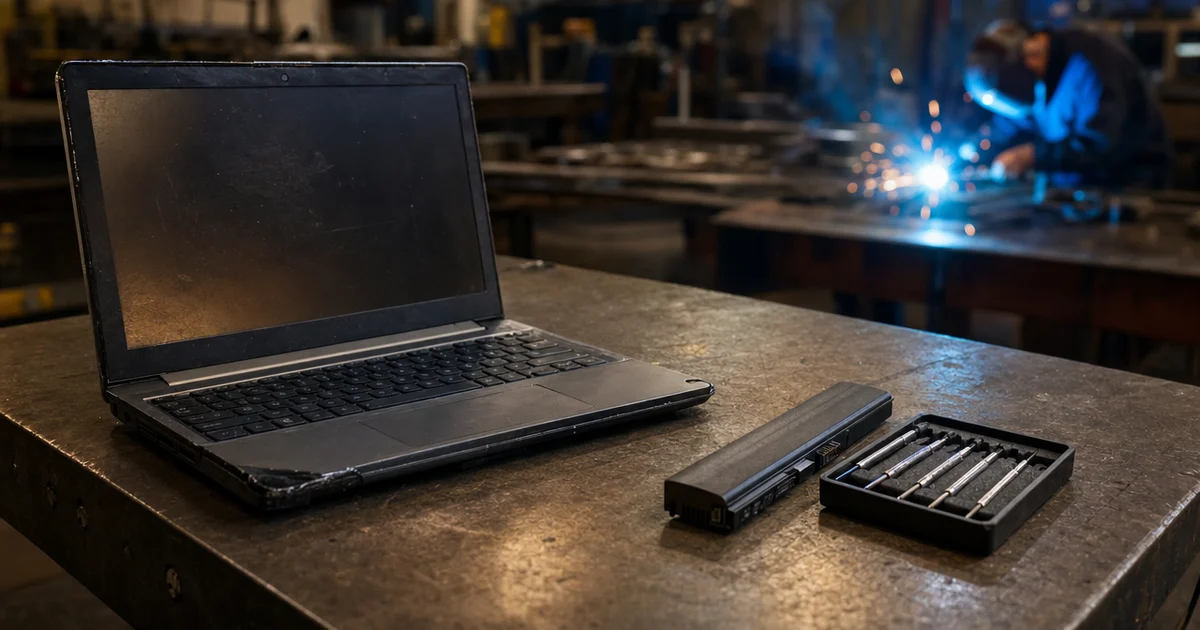
They extend the good machines properly. A new battery, a fresh storage drive, or a cleanup can buy a healthy computer another year or two for a fraction of the price of a new one. It is not glamorous, but it is often the best money you will spend this year.
They spread the purchases out. Replacing a few machines every quarter smooths the budget, avoids buying everything at the peak, and keeps you from having one bad month where many machines fail at once.
What to do about it this month
Make the list. If you do not have one, build it this month. Name, role, model, and age for every computer. Mark the ones people complain about. This takes a few hours and pays for itself in the next decision.
Sort the list into three groups. Replace in the next six months. Extend with a repair or upgrade. Leave alone for now. Most companies find the first group is smaller than they feared.
Get a real quote now, even if you are not buying yet. Ask for the exact models you would buy, and ask how long the price holds. Use that number in your 2027 budget, plus some room, rather than last year's figure.
Set an approval path that fits the quote. If quotes are good for two weeks, decide in advance who can sign off on replacements within a set amount. That way a good price does not expire in someone's inbox.
Ask about extending the warranty. For healthy machines you plan to keep, an extended warranty is often far cheaper than a replacement. Check before the original coverage runs out.
Do not lower the specs to save money. If the budget does not cover the right machine for everyone, replace fewer machines with the right spec. Plan the rest for next quarter.
This is the kind of planning our IT consulting work covers: a replacement schedule that matches what the business can afford and what each role actually needs.
Want a plan instead of a surprise?
Most companies are in better shape than a scary quote suggests. Usually a handful of machines truly need replacing, a few more can be extended cheaply, and the rest are fine.
Our free IT assessment includes a look at your computers: what you have, what is worth keeping, and what to budget for next year. You leave with a short, ordered list, so the next quote is a decision you already made rather than a surprise.